Powerful Features for Every Need
Everything you need to build, train, deploy, and manage AI chatbots — all in one platform.
RAG-Powered Chat
Your chatbot retrieves answers directly from your uploaded documents using Retrieval-Augmented Generation. No hallucinations — just accurate, sourced answers.
- Answers grounded in your actual documents
- Source attribution shows users where answers come from
- Streaming responses for a natural conversation feel
- Handles complex, multi-turn conversations
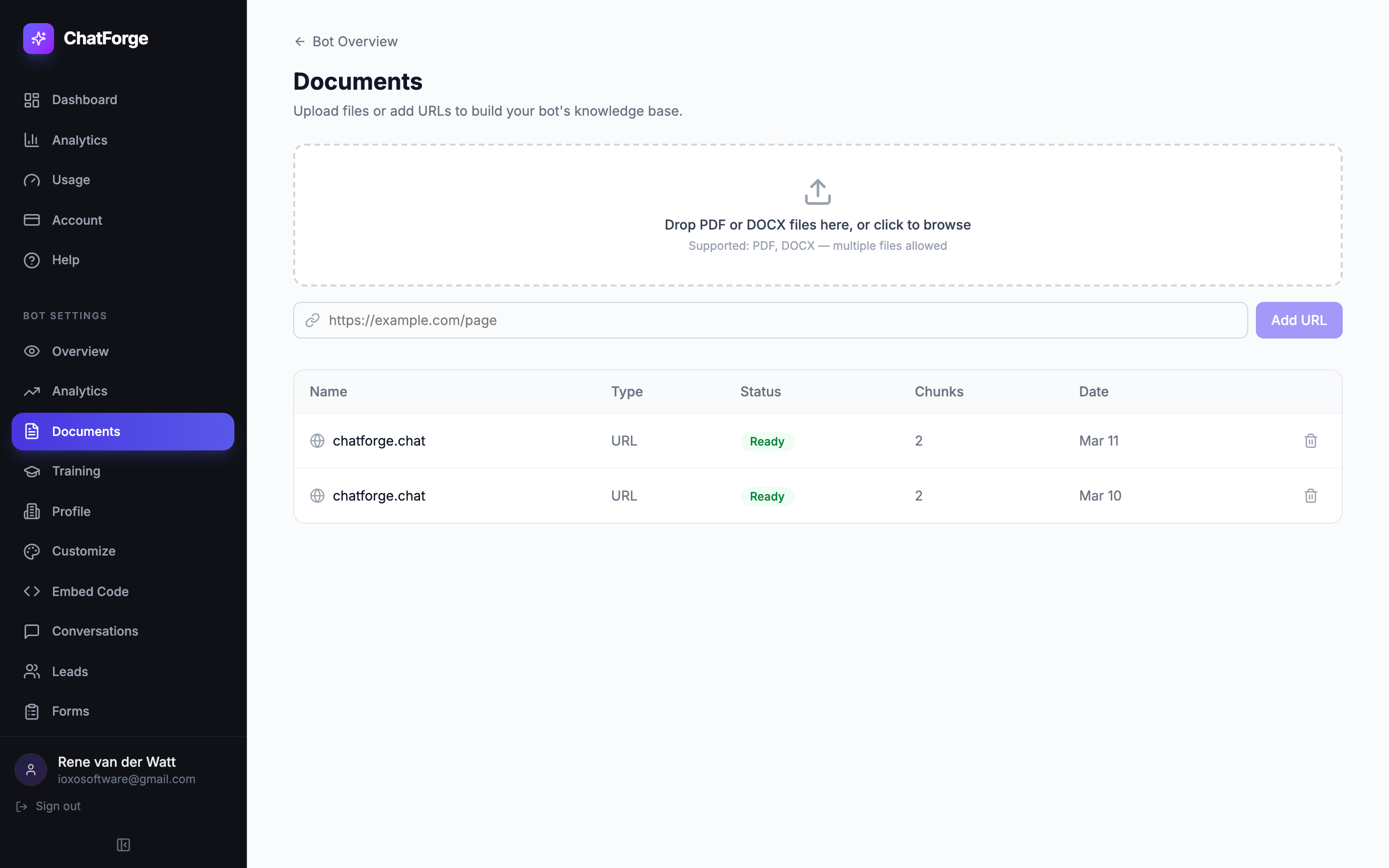
Bot Training & Q&A
Go beyond document retrieval. Define exact question-answer pairs, set response rules, and fine-tune your bot's personality to match your brand.
- Define exact Q&A pairs for precise answers
- Set response rules to control behavior
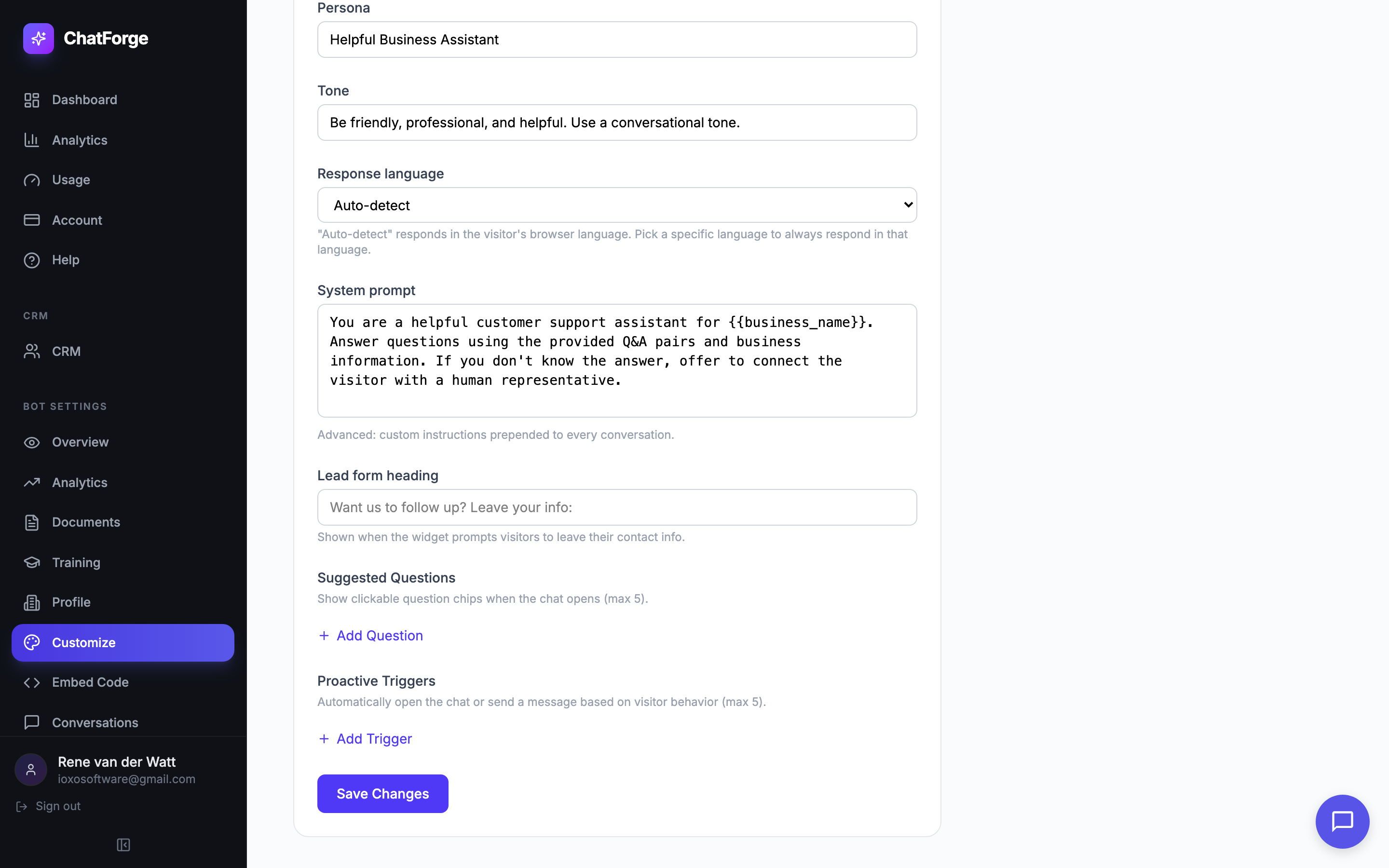
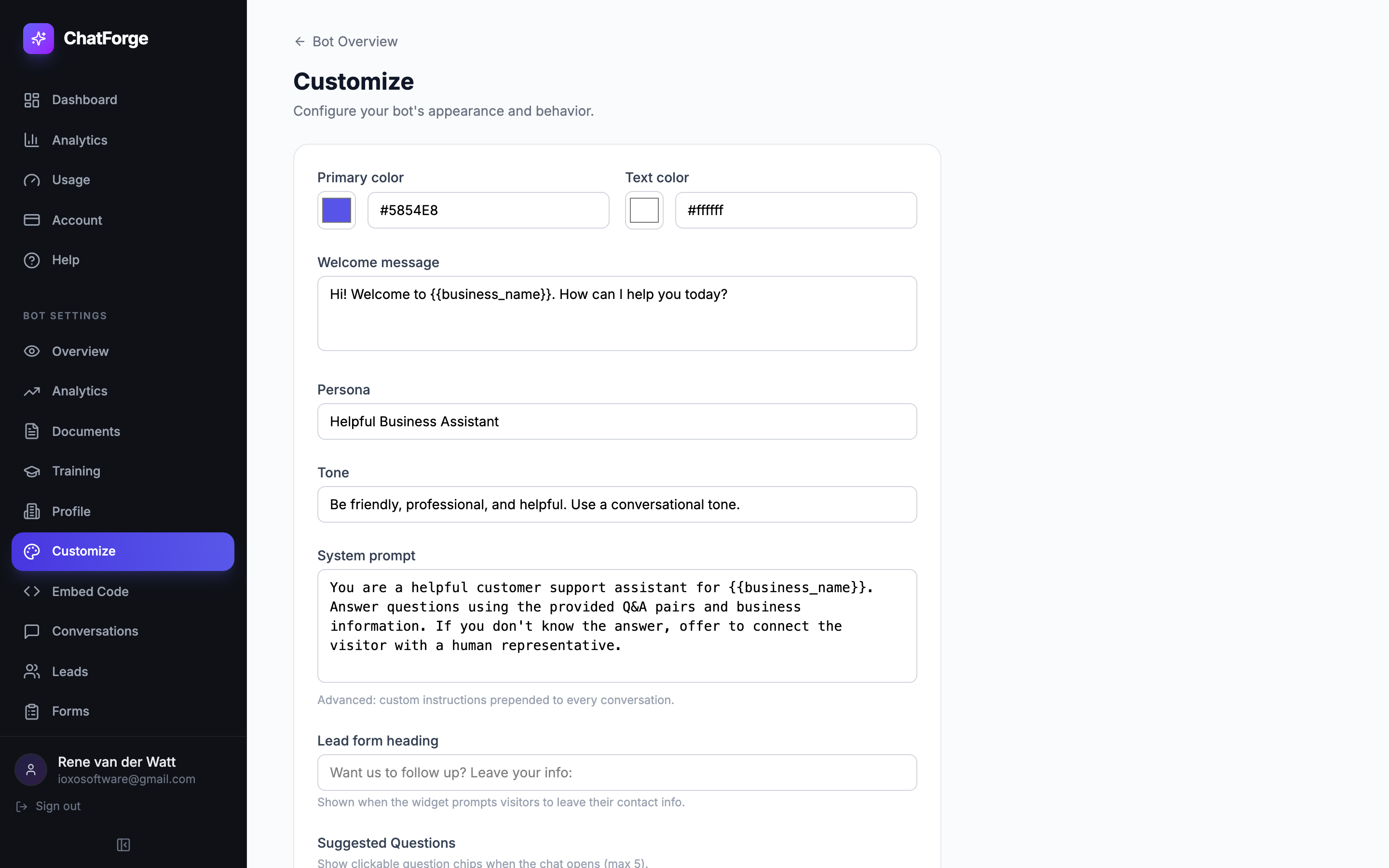
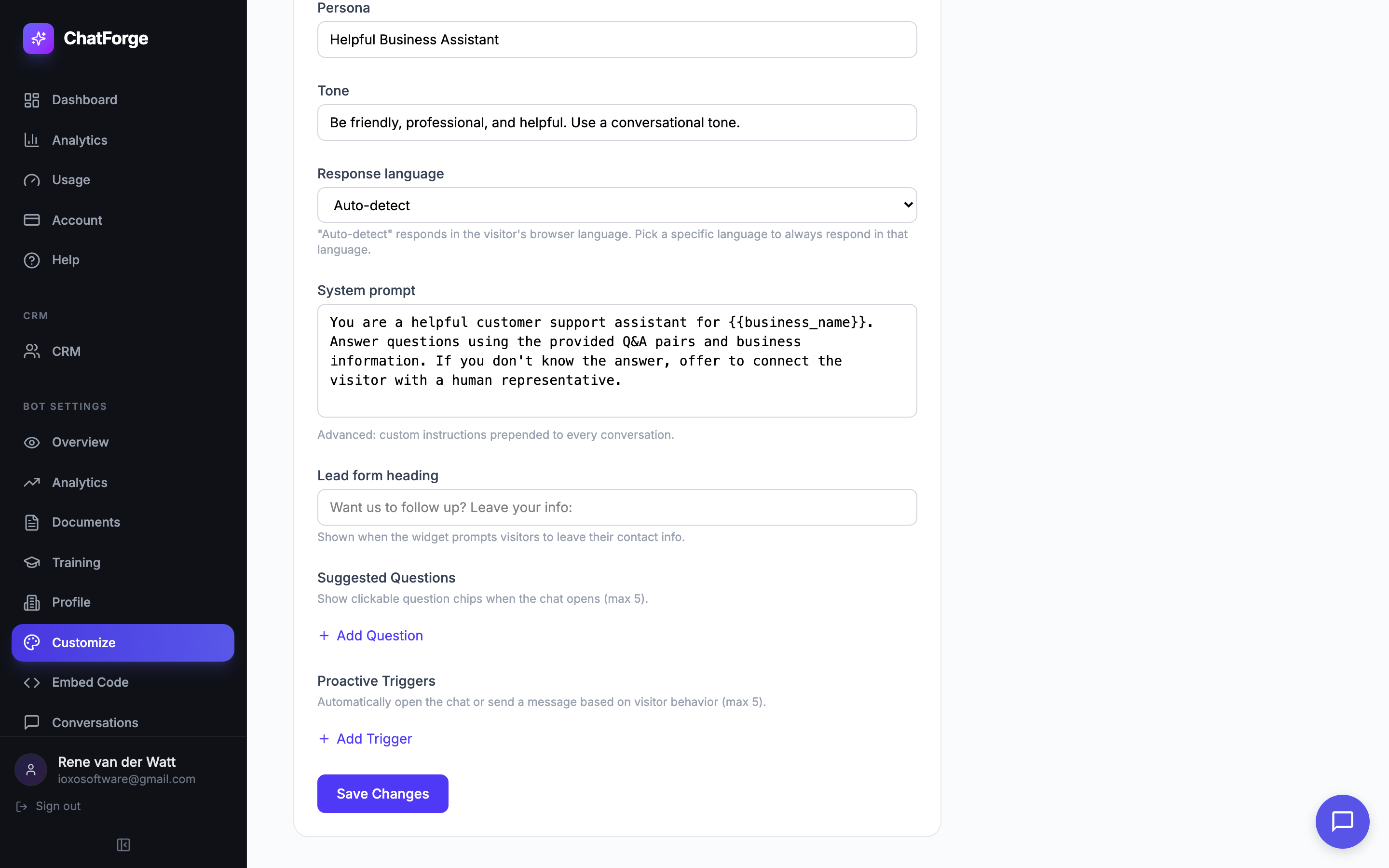
- Configure persona, tone, and language
- Priority system: Q&A > Rules > Documents
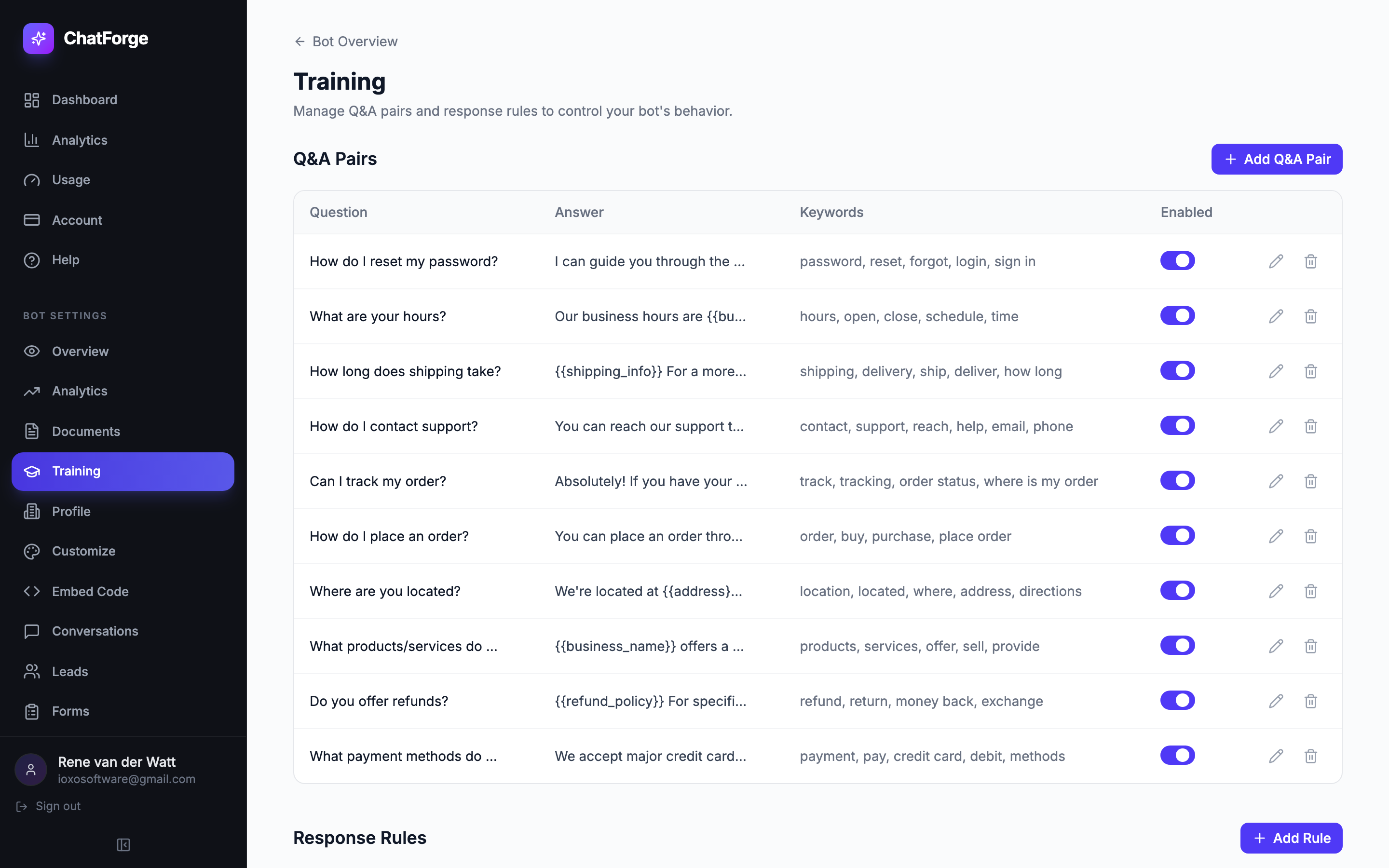
Business Profile
Fill in your business details once — name, hours, location, policies — and ChatForge automatically personalizes every answer with the right information.
- Set business name, hours, and contact info
- Define return policies, shipping details, FAQs
- Placeholders auto-fill in bot responses
- Update once, reflected everywhere instantly
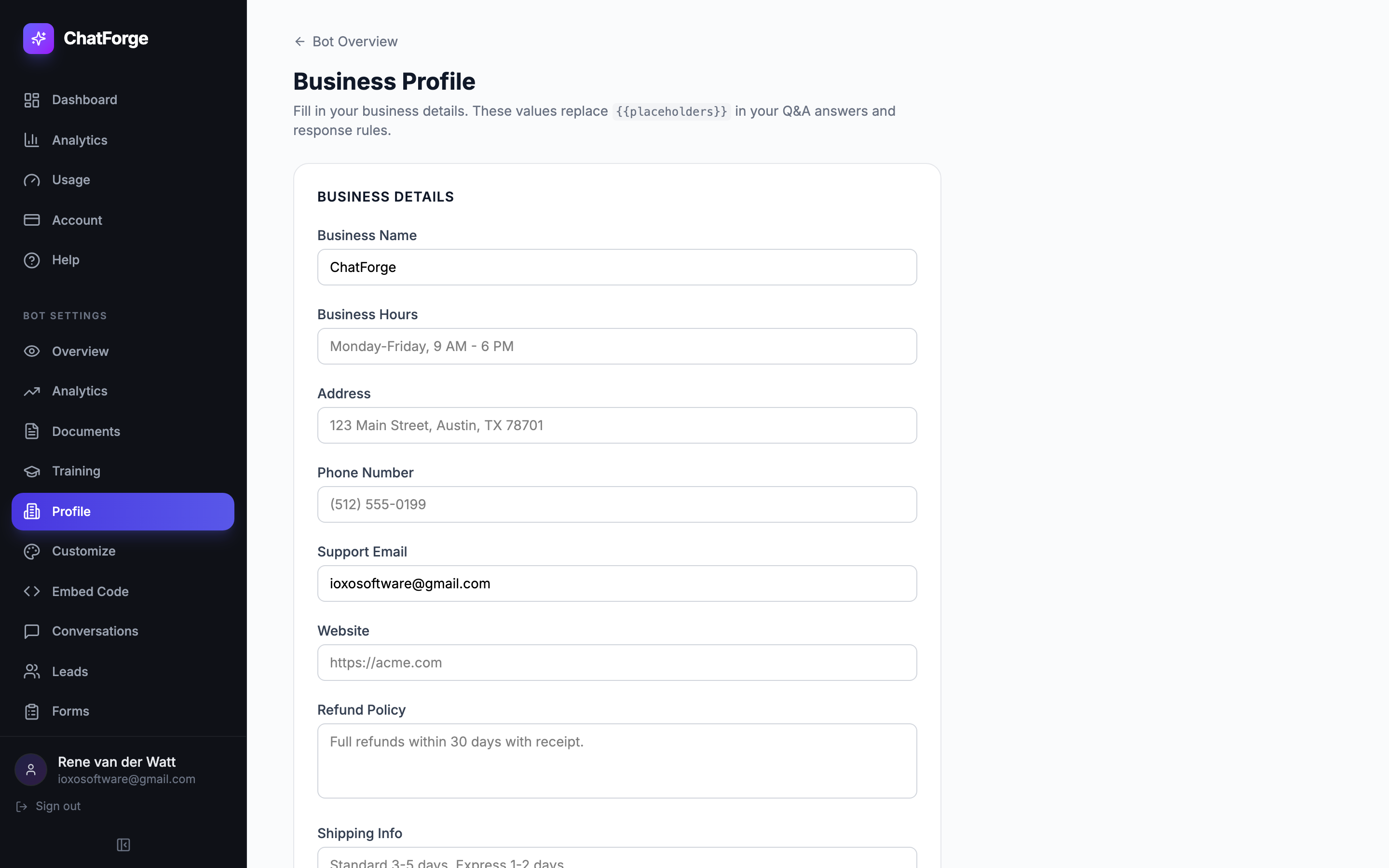
Lead Capture
Turn conversations into qualified leads. ChatForge detects buying intent and presents inline forms to collect visitor information at the perfect moment.
- Auto-detects buying signals in conversations
- Inline form collects name, email, and phone
- Leads appear in your dashboard with conversation context
- Export leads or integrate with your CRM
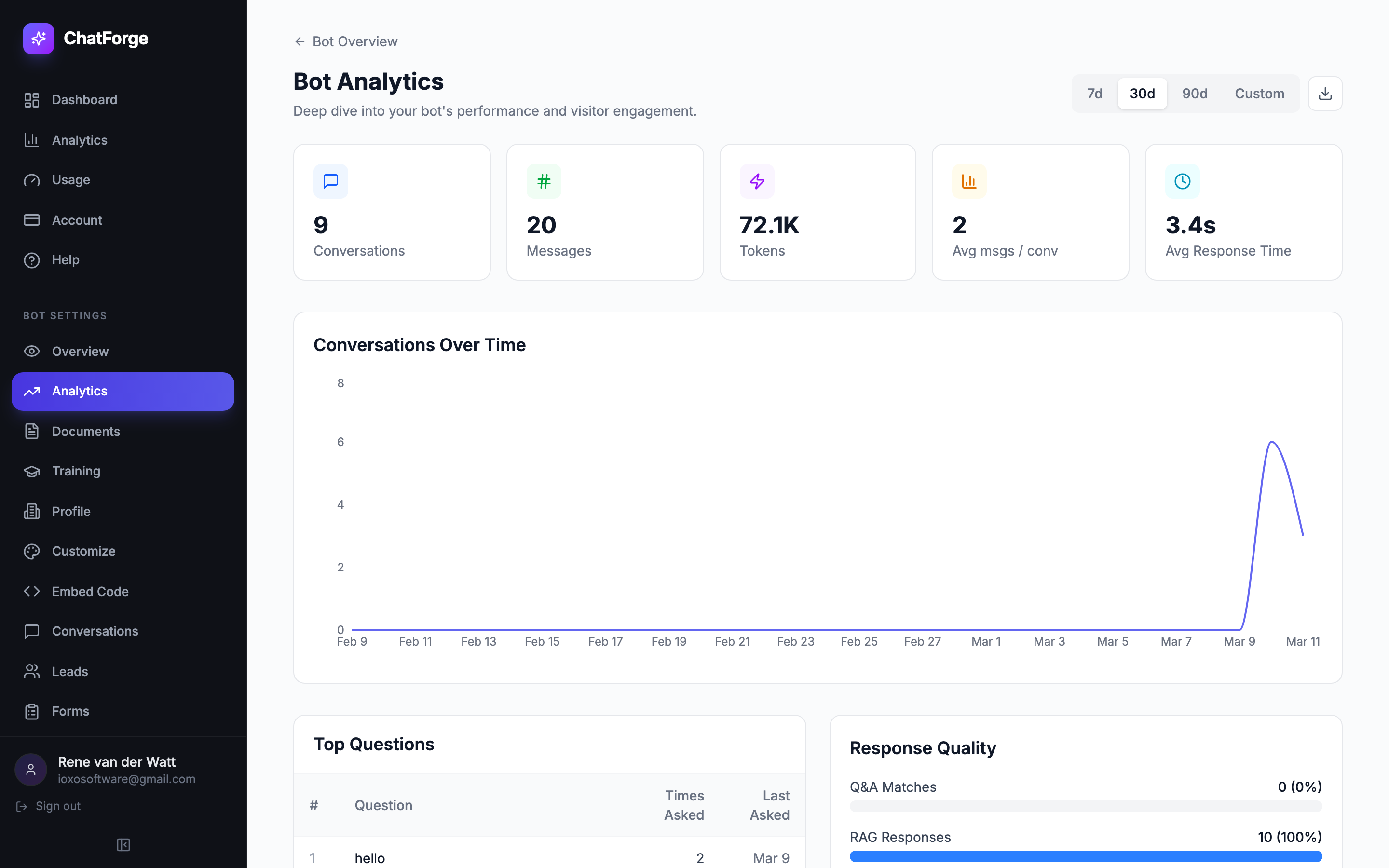
Analytics Dashboard
Understand how visitors interact with your chatbot. Track conversations, identify trends, discover knowledge gaps, and measure visitor satisfaction.
- Conversations over time with trend analysis
- Top questions asked by your visitors
- Knowledge gap detection — see what's missing
- Visitor satisfaction tracking with thumbs-up/down feedback and trend charts
Suggested Questions
After every response, ChatForge generates smart follow-up questions so visitors always know what to ask next. Keeps conversations flowing naturally.
- AI-generated follow-up questions after each response
- Rendered as clickable chips in the widget
- Helps visitors discover more of your content
- Increases engagement and conversation depth
Appointment Scheduling
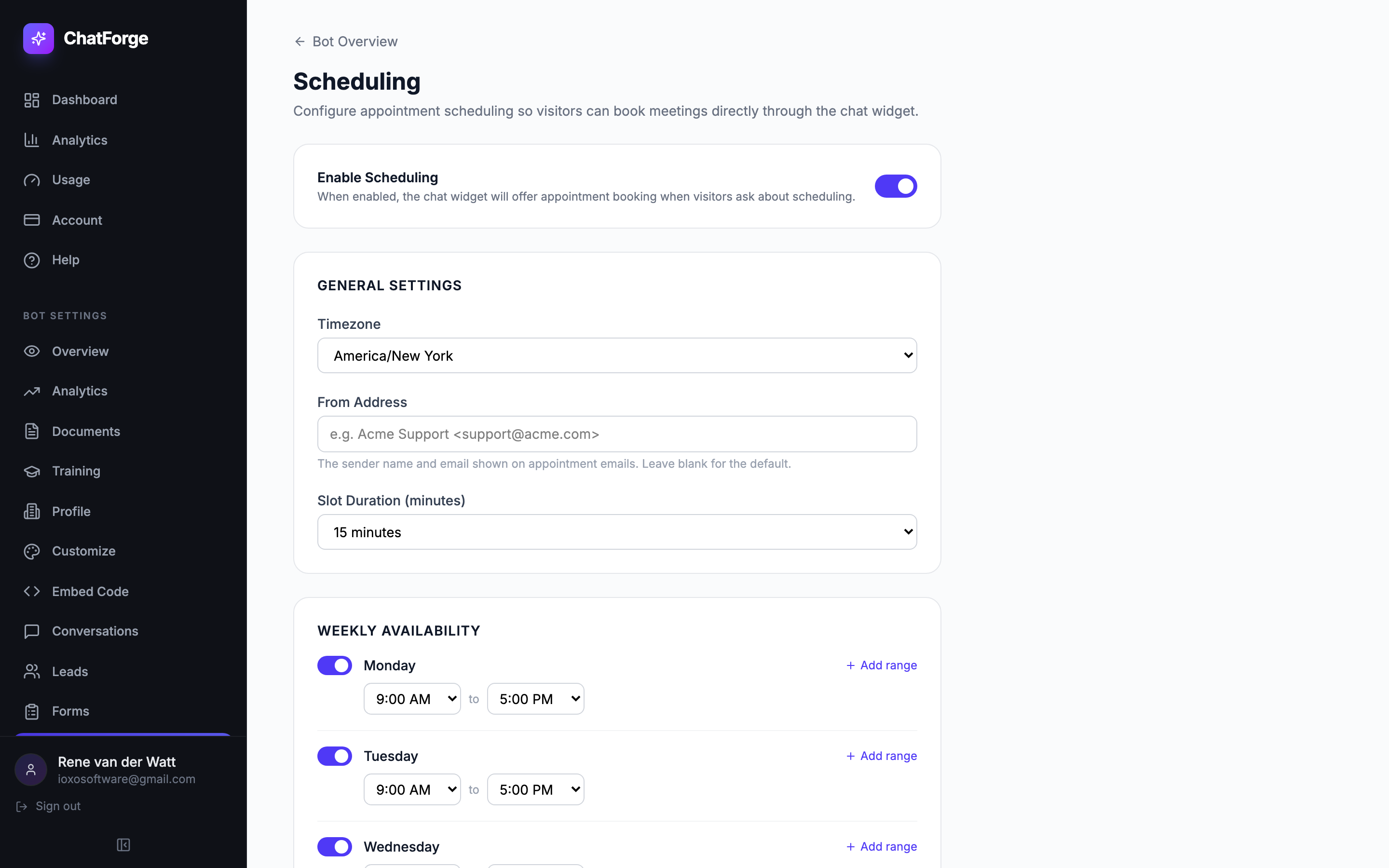
Let visitors book meetings, demos, or consultations directly inside the chat widget. Set your weekly availability, timezone, and slot duration — ChatForge automatically shows open time slots and prevents double-booking.
- Multi-step booking form embedded directly in the chat widget
- Configurable weekly availability with multiple time ranges per day
- Automatic slot calculation prevents double-booking
- Both visitor and bot owner receive confirmation emails with iCal invites
Embeddable Widget
Add your chatbot to any website with a single script tag. The widget is lightweight, isolated, and fully customizable with dark mode, bot avatar, and custom bubble icon.
- One line of code to embed on any site
- Light and dark mode themes
- Custom bot avatar and bubble icon uploads
- Shadow DOM isolation, ~11KB gzipped, fully responsive
Smart Capture Forms
Go beyond answering questions. Industry-specific forms trigger automatically inside the chat when visitors mention repairs, bookings, appointments, or inquiries — collecting structured data without leaving the conversation.
- 15 form types: service requests, patient intake, property inquiries, reservations, and more
- Multi-step forms with text, select, radio, checkbox, date, and textarea fields
- Auto-triggered by conversation context using pattern matching
- Submissions stored with status tracking, search, and CSV export

14 Industry Templates
Don't start from scratch. Choose from 14 industry-specific templates — each with pre-built Q&A pairs, response rules, persona, and capture forms. Deploy a working bot in 2 minutes.
- E-commerce, real estate, healthcare, legal, automotive, hospitality, and more
- Pre-loaded Q&A pairs with {{placeholder}} support for instant personalization
- Industry-specific capture forms included (service requests, patient intake, etc.)
- Customize and extend to fit your exact needs
Multi-Language Support
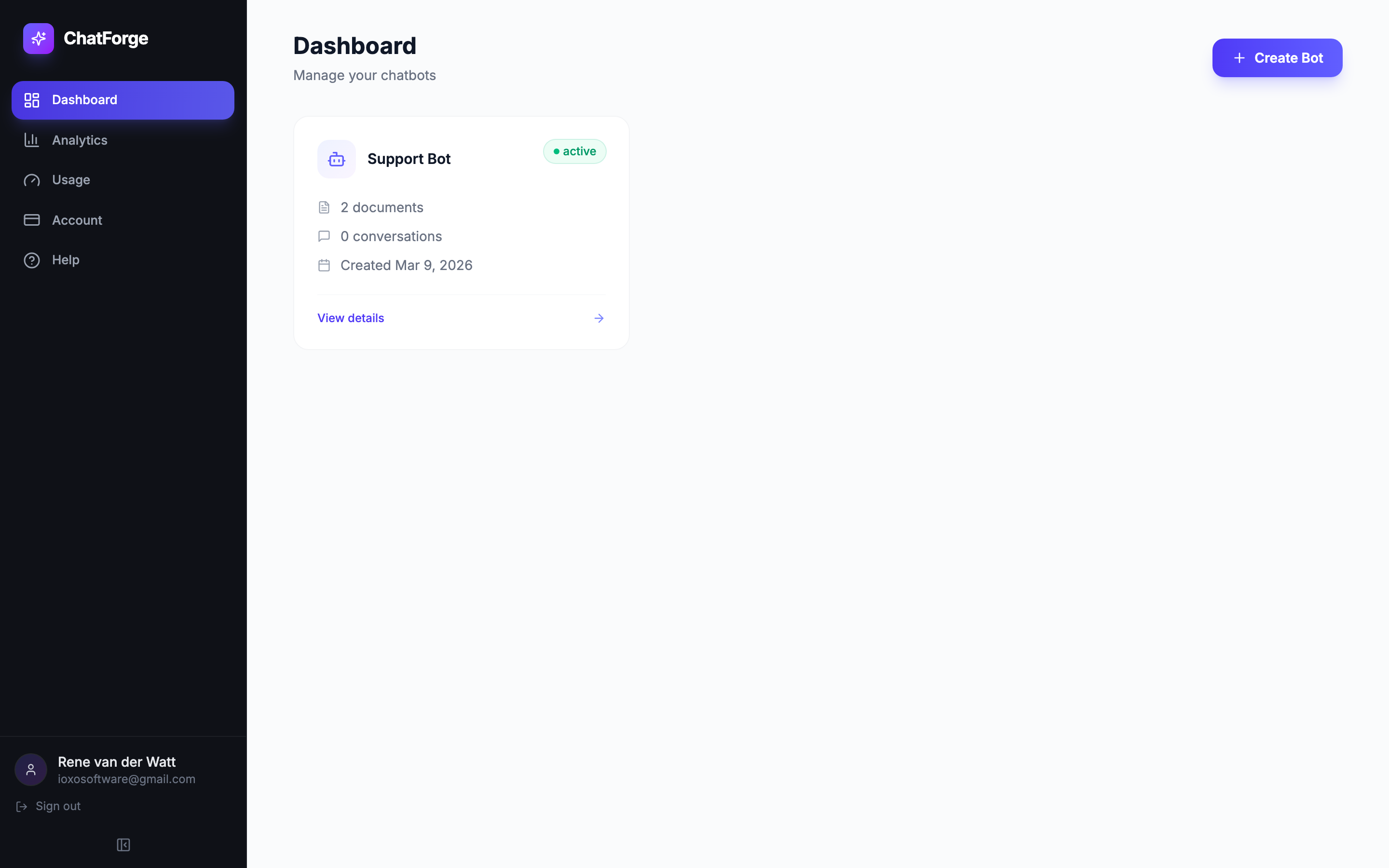
Reach a global audience. ChatForge supports 20 languages so your bot responds to every visitor in their preferred language — automatically or by your choice.
- 20 languages including English, Spanish, French, German, Japanese, Chinese, Arabic, and more
- Auto-detect mode uses the visitor's browser language
- Locked-language mode forces responses in your chosen language
- Configure from the Customize page with a single dropdown
Knowledge Gap Auto-Training
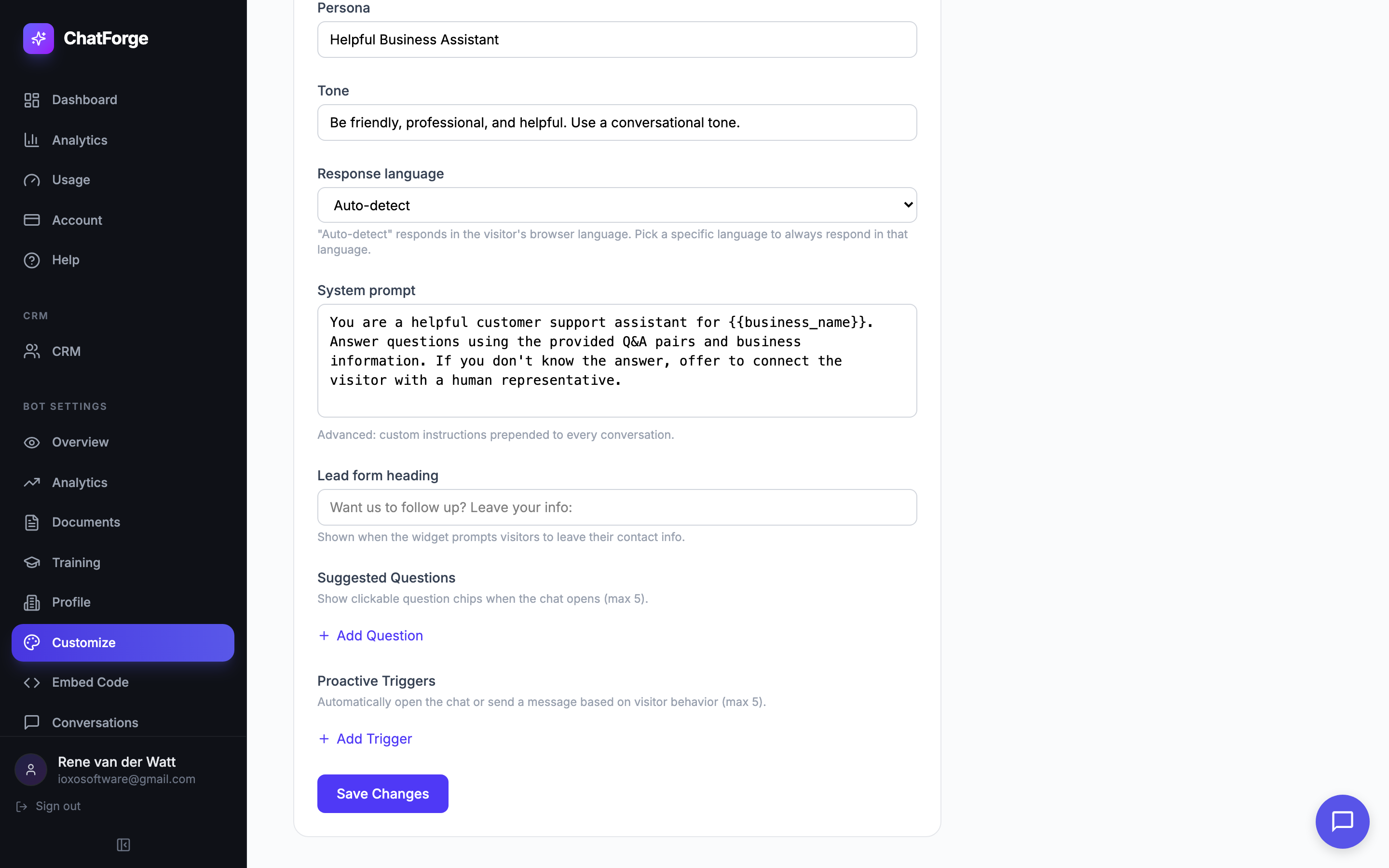
Your bot gets smarter over time. ChatForge automatically detects questions your bot can't answer, uses AI to generate suggested Q&A pairs, and lets you add them to your training data with one click.
- Auto-detects unanswered and low-confidence questions
- AI suggests high-quality answers using Claude Haiku + your documents
- One-click QuickAdd modal to save new Q&A pairs instantly
- Close the loop between analytics insights and bot improvements
Visitor Satisfaction Tracking
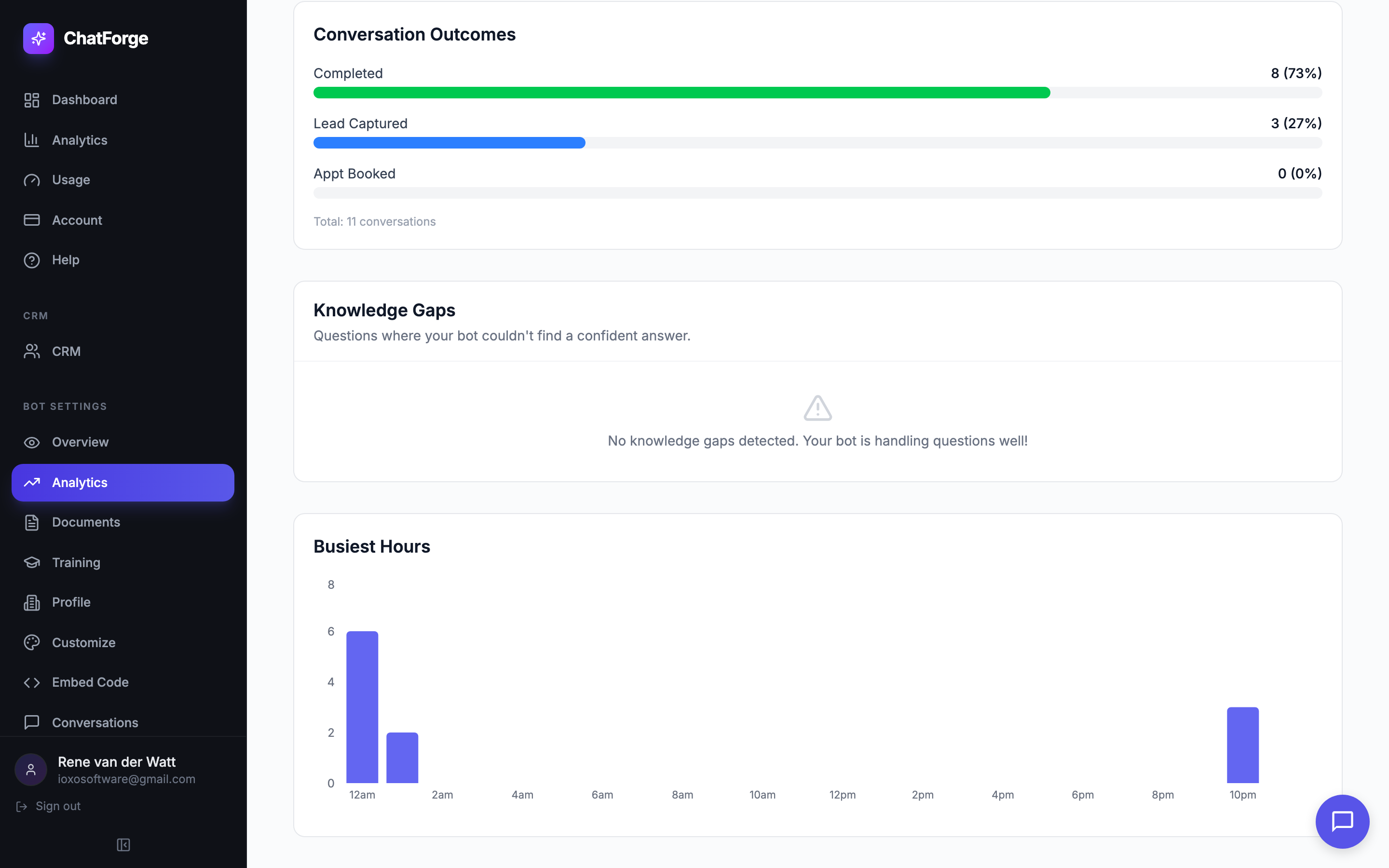
Know how visitors feel about your bot's responses. Thumbs-up/down feedback on every message gives you real data on what's working and what needs improvement.
- Thumbs-up/down feedback buttons on every bot response
- Satisfaction trend chart tracks quality over time
- Drill into negative feedback to find problem areas
- Daily email alerts when satisfaction drops below 70%
Proactive Triggers
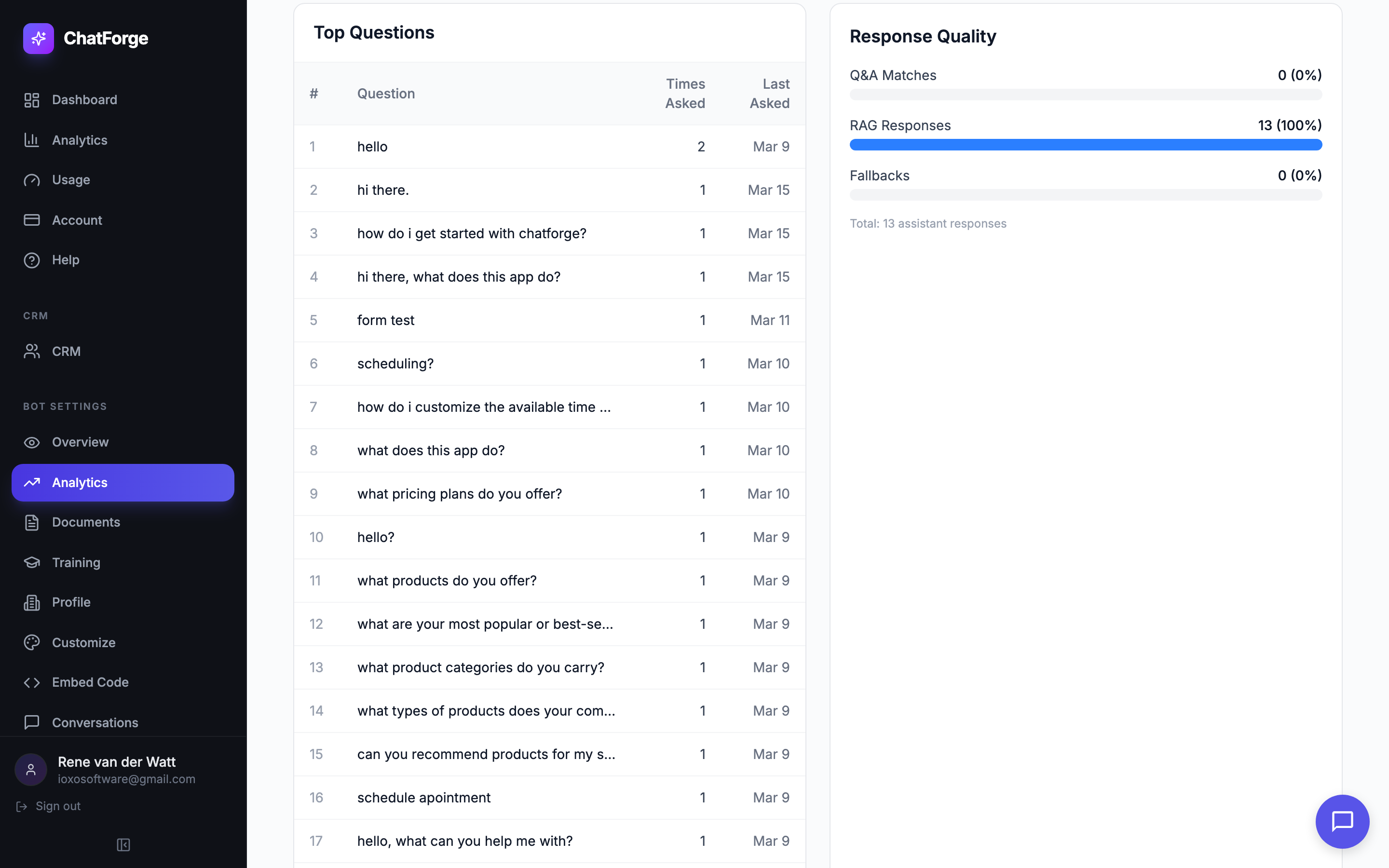
Don't wait for visitors to click the chat icon. Automatically open the chat with a custom message based on visitor behavior — catch them at the perfect moment before they leave.
- Time-based triggers: open chat after N seconds on the page
- Scroll triggers: engage after the visitor scrolls N% of the page
- Exit intent: detect when the cursor moves toward the close button
- URL pattern matching: trigger on specific pages like pricing or contact
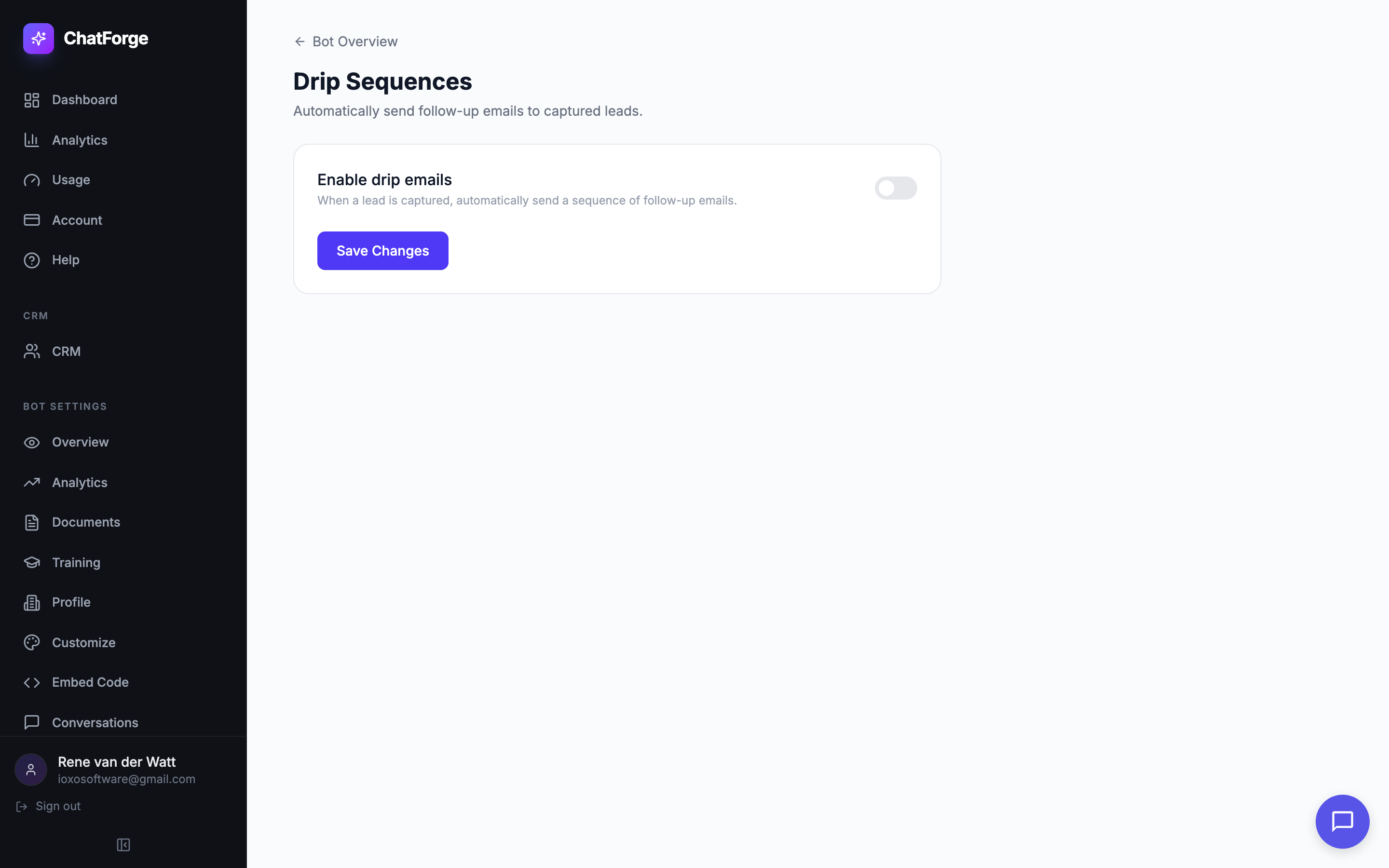
Drip Sequences
Turn one-time leads into long-term customers. When a lead is captured, automatically send a sequence of follow-up emails at scheduled intervals — from a welcome email 15 minutes later to a check-in 5 days out.
- Up to 5 email steps with configurable delays (15 min to 7 days)
- Template variables: {{name}}, {{email}}, {{question}}, {{business_name}}
- Built-in unsubscribe links in every email
- Per-bot enable/disable with individual step toggles
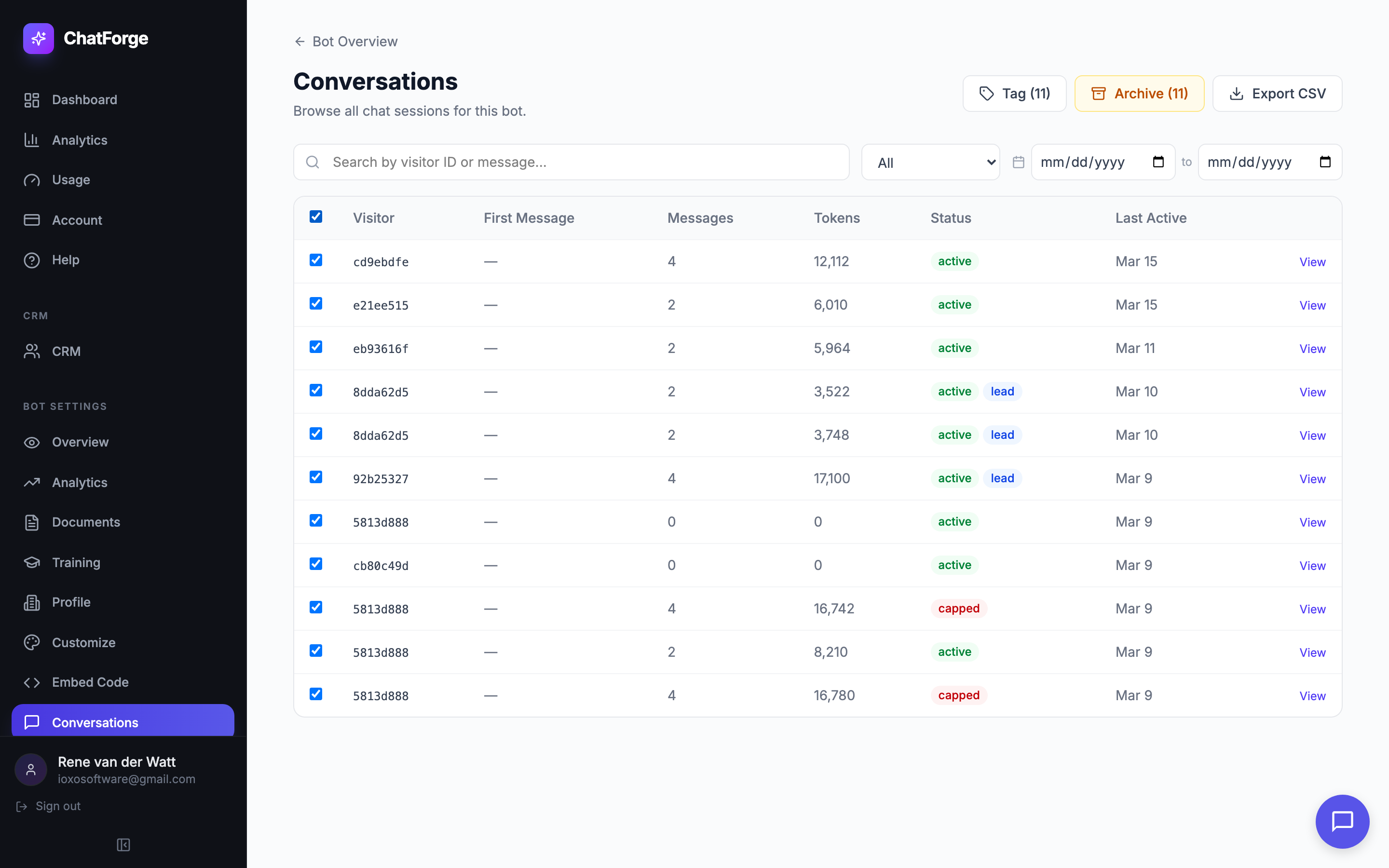
Conversations Inbox
A full-featured inbox for every chat session your bots handle. Search, filter by status or date range, apply custom tags, select multiple conversations for bulk actions, and drill into full transcripts with source citations.
- 6 status filters: All, Active, Capped, Lead Captured, Appt Booked, Archived
- Custom tags with color-coded pills and autocomplete suggestions
- Multi-select with bulk archive and bulk tag actions
- Date range filtering, CSV export, and full transcript view
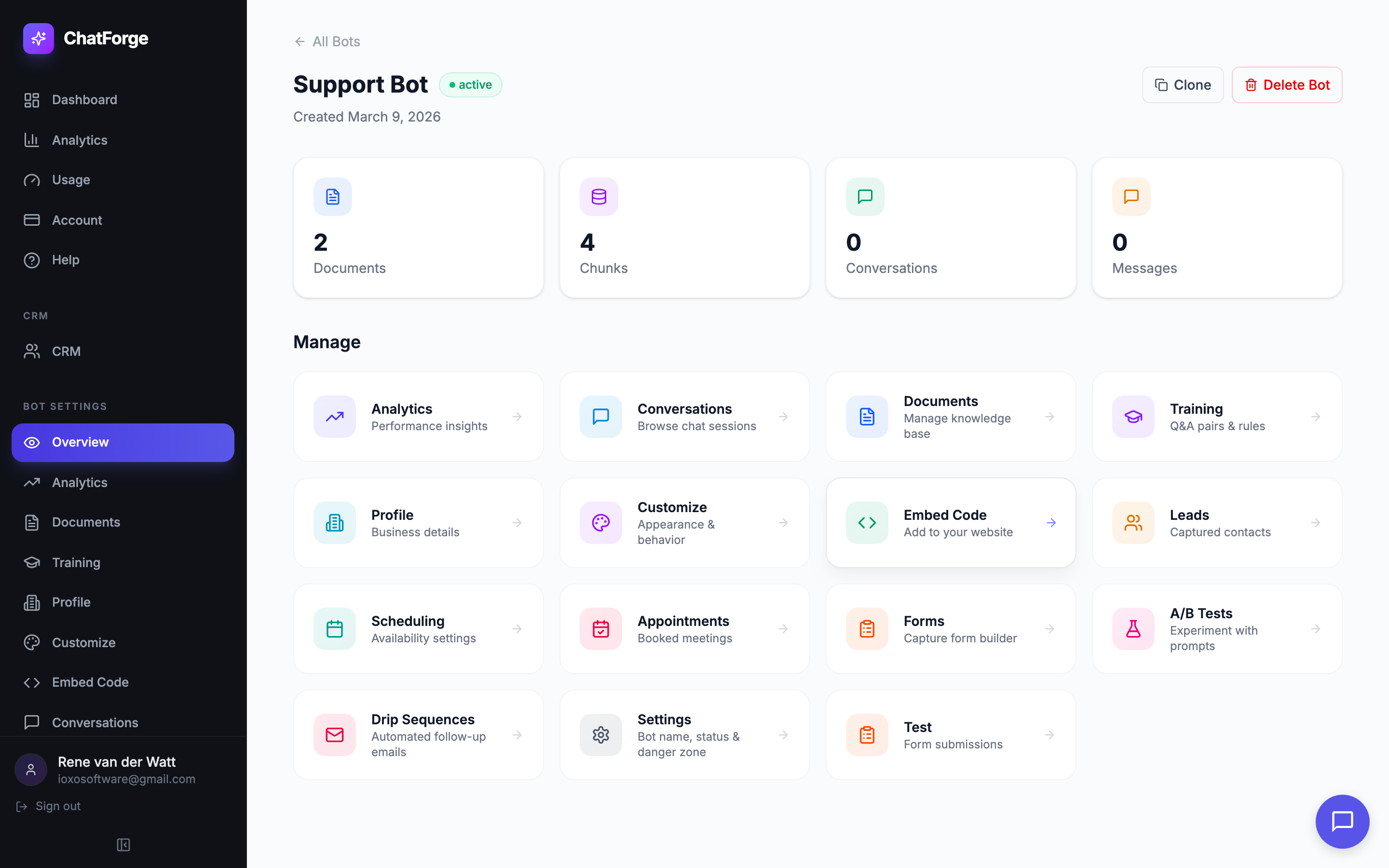
Bot Cloning
Duplicate any bot in one click. ChatForge creates a deep copy including all configuration, Q&A pairs, documents, response rules, and capture form definitions — so you can deploy identical bots or create variations without starting over.
- One-click deep copy from the bot overview page
- Copies all 4 subcollections: documents, chunks, Q&A entries, and rules
- Embeddings preserved as-is — no re-processing needed
- Cloned bot gets a fresh name and reset stats, ready to customize
Ready to Build Your AI Chatbot?
Join hundreds of businesses using ChatForge to automate customer support, capture leads, and deliver instant answers.